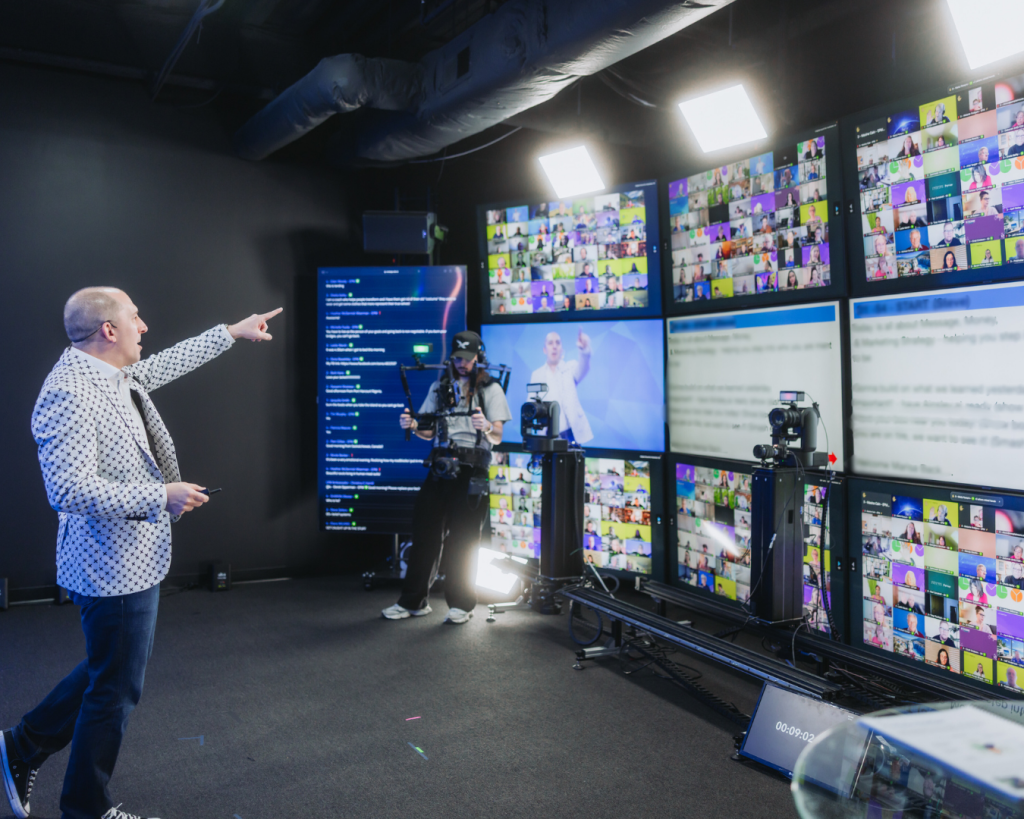
Most people think the MC role belongs only on big stages or flashy virtual events.
But in a modern webinar, the MC—or more accurately, the moderator—is often the difference between an average session and a truly effective webinar that converts.
If you’ve ever felt that hosting a webinar is exhausting, overwhelming, or oddly underwhelming in results, you’re not wrong. Being the sole presenter on a webinar is a near-impossible job.
And that’s exactly why this hidden role matters.

Pop in your email below, and we’ll zip it straight to your inbox so you never lose it!
Why Running a Webinar Is Harder Than It Looks
From the outside, webinars look simple: show up, present, and sell.
But behind the scenes, webinar hosts are juggling:
Content delivery
Public speaking pressure
Time management
Chat monitoring
Questions from the audience
Tech oversight
Trying to manage the entire webinar alone often leads to distraction, rushed delivery, and missed opportunities for connection.
This is where the webinar moderator becomes essential.
What the Moderator Really Does (Beyond “Hype”)
The moderator is not there to steal attention from the presenter or the subject matter experts.
Instead, they are the point person for flow, clarity, and audience experience.
Their role includes:
Setting the tone at the beginning
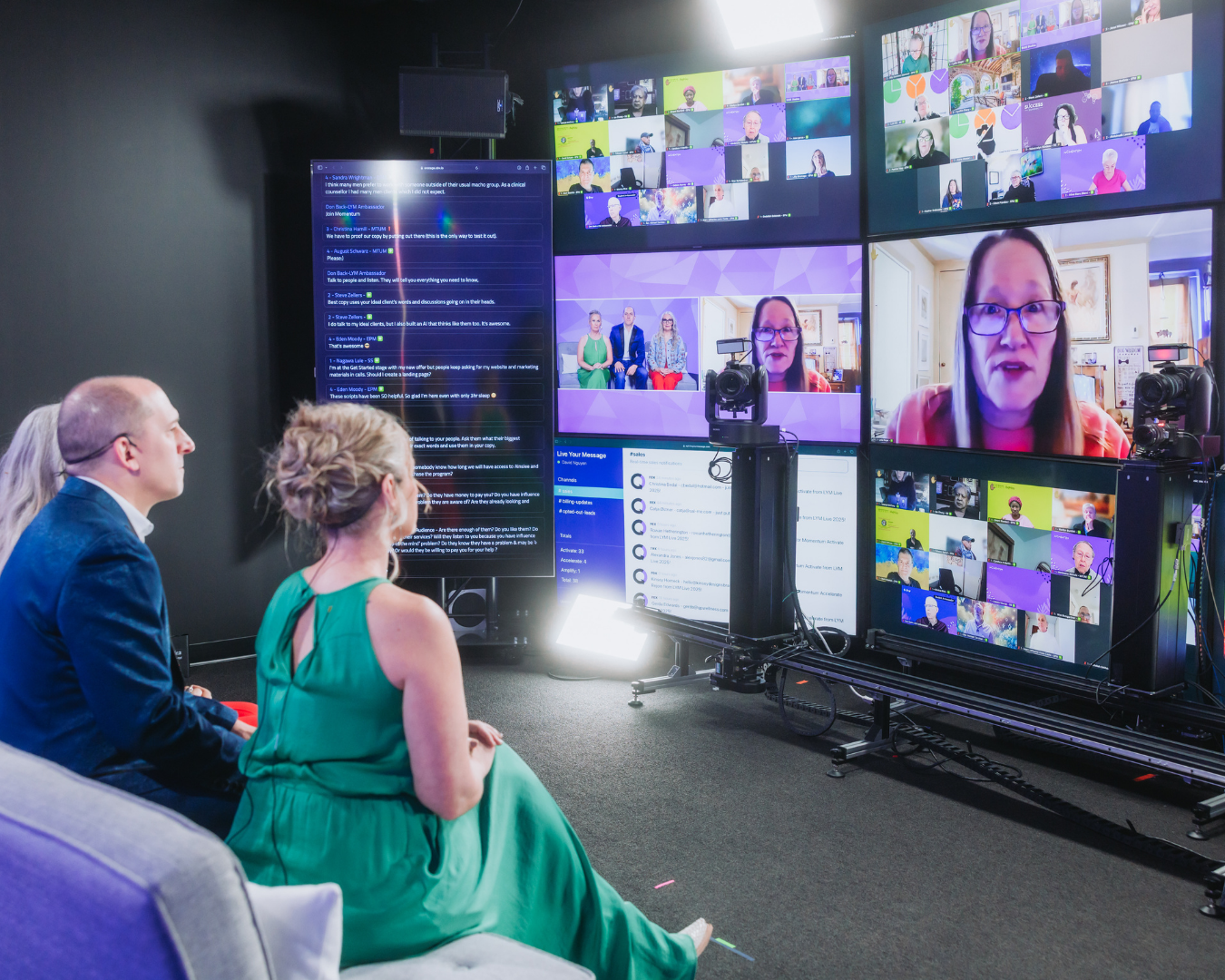
Managing chat and audience input
Helping moderate discussions
Supporting the host behind-the-scenes
In other words, they run the room so the presenter can lead it.
How a Moderator Improves Audience Engagement in Real Time
Strong audience engagement doesn’t happen by accident.
A moderator helps:
Encourage participation without pressure
Keep the audience engaged through polls, prompts, and pacing
Ensure there’s room for audience interaction
Because they’re watching reactions in real-time, moderators can surface confusion, excitement, or resistance before momentum drops.
That’s how you keep the audience focused throughout the presentation.
The Conversion Impact Most People Miss
The moderator plays a quiet but critical role in ensuring conversions don’t fall apart at the worst moment.
During the pitch, they:
Highlight key talking points
Post links clearly
Watch for audience questions
Flag objections for the host
This allows the offer to land smoothly—without awkward pauses or missed cues.
That’s why webinars with a moderator consistently perform webinars better than those without one.
Supporting the Presenter (and Protecting Performance)

Even confident thought leaders struggle when they have to manage everything themselves.
A moderator reduces cognitive load so the presenter can:
Stay conversational
Speak directly to the audience
Maintain authority
Deliver the entire presentation with confidence
Instead of worrying about chat or tech, the presenter can focus on what matters: clarity and leadership.
Handling Q&A Without Losing Control
Unstructured Q&A can derail even the best webinar.
Moderators help:
Filter Q&As
Group similar questions
Handle q&as without going off-track
Prevent conversations from becoming off-topic
This ensures questions add value instead of becoming a disruption.
Managing Transitions and Technical Issues
Every live webinar has moments of friction:
Slides don’t load
Audio glitches
Awkward silence
A moderator helps manage transitions, fill gaps, and handle technical issues calmly—so the audience never feels uncertainty.
This support is especially valuable when using complex webinar software or running a marketing webinar with a strong call to action.
Before, During, and After: The Full Moderator Impact
Before
Review the outline
Run a dry run
Clarify primary objectives
Coordinate with co-hosts or a panelist
During
Guide engagement throughout the presentation
Watch pacing and energy
Support the host during the pitch
After
Help distribute follow-up
Capture insights from questions from the audience
Improve the value of the webinar over time
This creates a smoother experience not just once, but across every webinar and even a better webinar series.
Why This Role Is Now Essential
As webinars become more common, expectations rise.
Audiences want sessions that:
Feel conversational
Respect their time
Invite participation
Clearly share knowledge
A moderator helps engage audiences while protecting the integrity of the content.
That’s how you move from a “good” webinar to a successful webinar that positions you as a leader in your space.
Conclusion: Why the Moderator Is No Longer Optional
A webinar is not just a presentation—it’s an experience.
Without someone running the room, even great content can fall flat.
The moderator ensures:
Flow
Focus
Engagement
Trust
If your goal is thought leadership, stronger conversions, and a more professional experience, this role matters.
So before your next session, ask yourself:
Who is making sure the webinar actually works—for the audience?
That answer could change everything.